Give your windows a dedicated seat
Seater is a macOS desktop window management tool. Create virtual "workstations" on your desktop, drag windows in to auto-snap, making window management intuitive and fun.
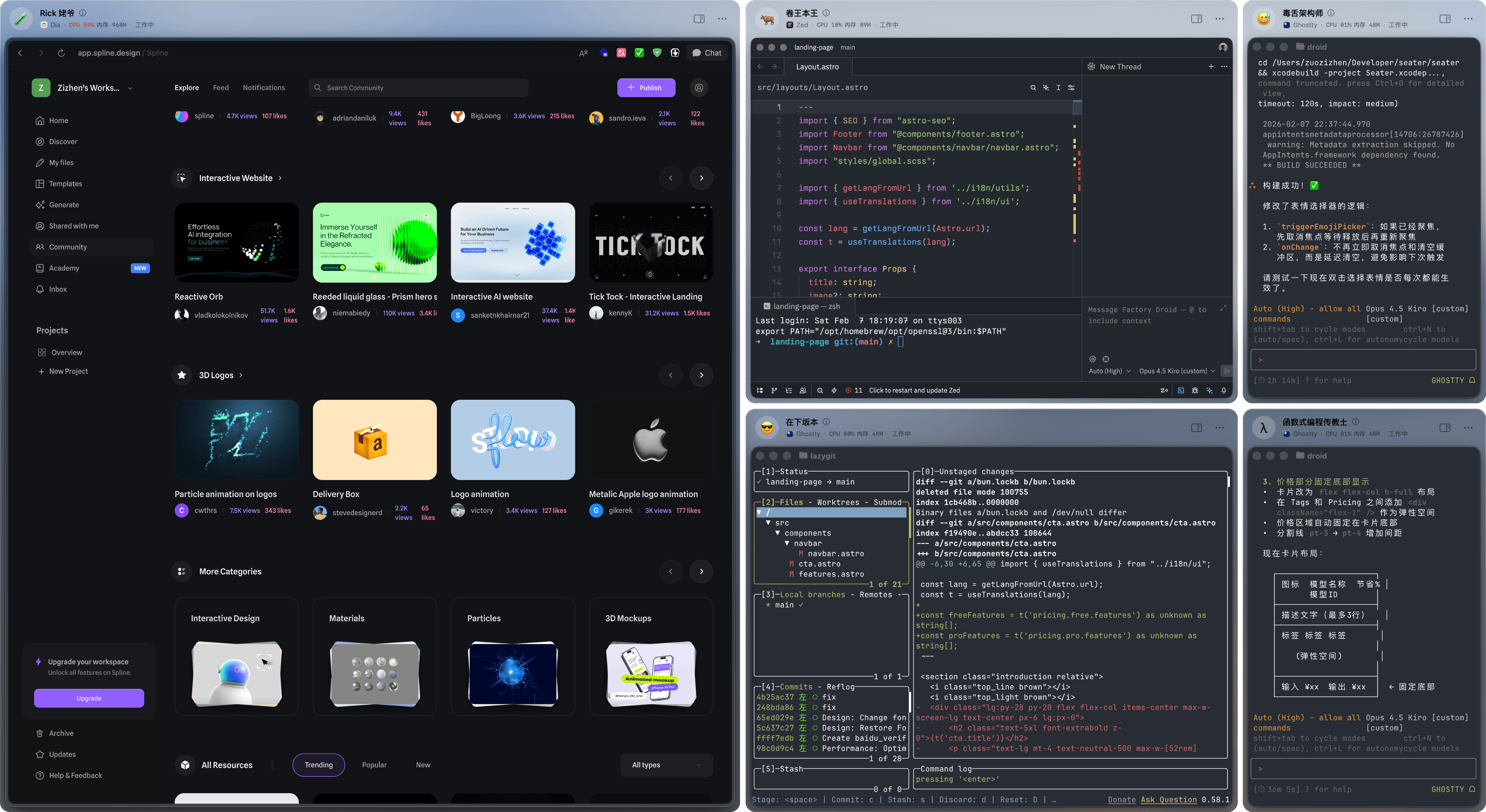
Seater is a macOS desktop window management tool. Create virtual "workstations" on your desktop, drag windows in to auto-snap, making window management intuitive and fun.
Traditional window management tools are often cold and mechanical, simply arranging windows neatly.
But I wanted more than just tidy—I wanted a more intuitive, warmer way to organize my workspace.
So I created the concept of "workstations": every app gets its own dedicated seat.
You can name your workstations, set avatars, add todos, and even write work instructions.
Windows are no longer just cold rectangles—they have a sense of belonging.
This personified design makes window management actually enjoyable.
Using Seater is simple: drag a window to a workstation and release.
The window will automatically snap and fill the entire workstation area,
no manual resizing or positioning needed.
Supports multiple monitors and offices, easily switch between different work layouts.
Next time you launch, Seater automatically restores previous bindings—everything stays in place.
Free forever
One-time purchase, lifetime access